by Bill Stock | Nov 24, 2022 | User Guide
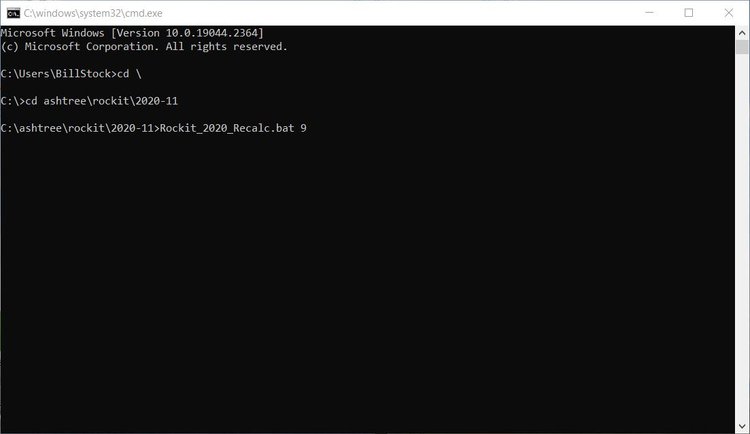
Overview In certain circumstances we may want to recalculate all the summary data for a recording session. This might occur if we need to delete a lot of invalid NMEA source data from the Rockit tables. Whilst the deletion will remove the invalid NMEA records from the...
by Bill Stock | Nov 24, 2022 | User Guide
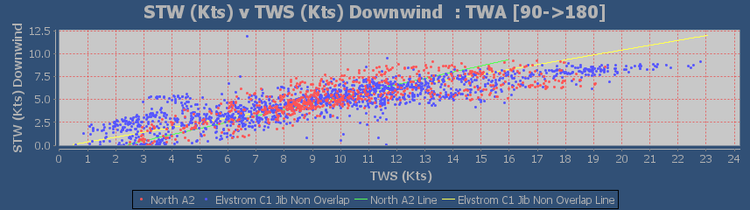
Overview We touched a little bit on the sail performance charts on the Reviewing Data section of this User Guide. That section talks about looking at the data for the sails at the session level. But we can also look at the data aggregated to boat level. So we see all...
by Bill Stock | Nov 24, 2022 | User Guide
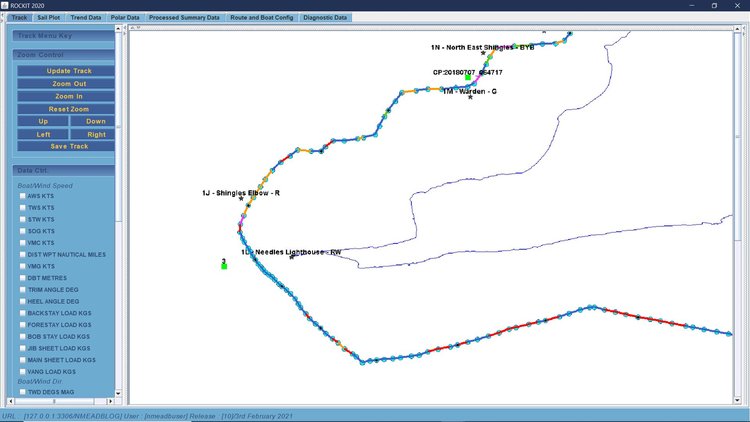
Overview Routes and Waypoints are included in Rockit to make it easier to understand visually the information displayed on the Track panel and to make it possible to calculate a Velocity Made Good On Course (VMC) figure. Routes can be created in two ways;. By manually...
by Bill Stock | Nov 24, 2022 | User Guide
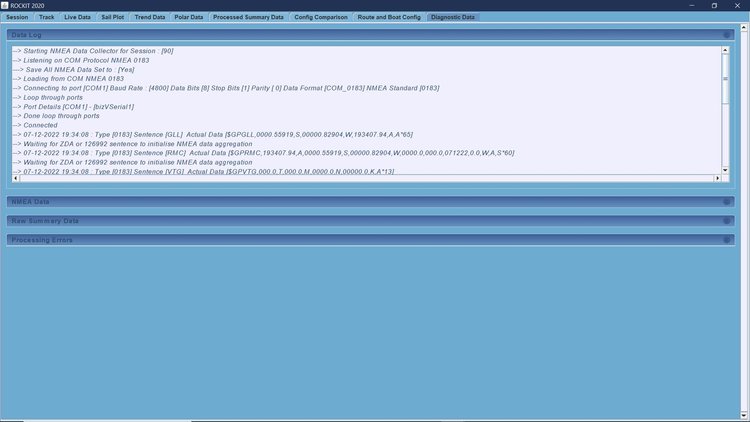
We have made recording data as simple as possible. You can either set up a session individually or you can just use the current system defaults. Recording a Default Session If you have setup a Default Boat, Route and Interface you can start recording by simply...
by Bill Stock | Nov 24, 2022 | User Guide
Overview Once you have connected the Rockit Server to your boats NMEA network you need to tell Rockit about the boat. Thats a relatively simple process you can record as little or as much about the boats configuration as you like. To get the most out of Rockit you...