by Rockit Admin | Dec 13, 2025 | User Guide, User Guide 2025
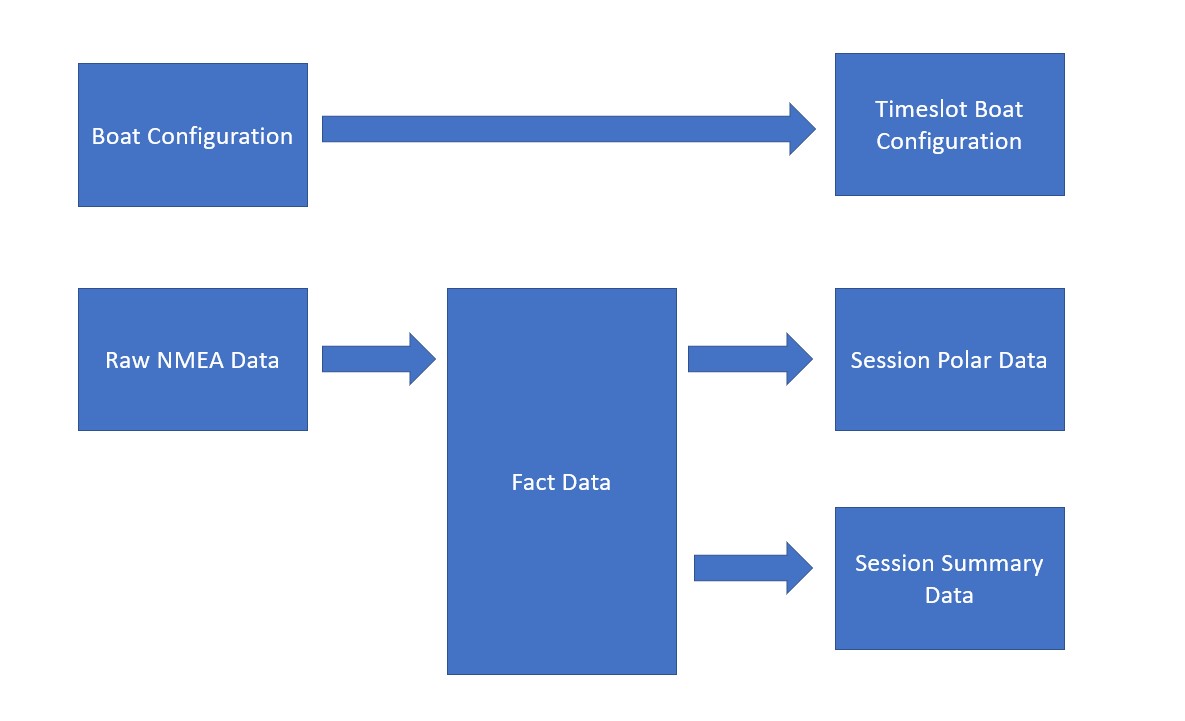
Recalculating Session Data When You Have Edited NMEA Records In certain circumstances we may want to recalculate all the summary data for a recording session. Rockit Analytics records the data in stages. First it collects the NMEA messages and stores them. Then it...
by Rockit Admin | Dec 12, 2025 | Blog, User Guide, User Guide 2025
Overview Rockit is all about making the most of the data that you collect and turning it into meaningful information that can be learnt from long after its original collection. The software allows you to review most of the data as its collected. That was part of the...
by Rockit Admin | Dec 5, 2025 | User Guide, User Guide 2025
Recording a Default Session We have made recording data as simple as possible. You can either set up a session individually or you can just press the green button and use the current system defaults. If you have setup a Default Boat, Route and Interface you can start...
by Rockit Admin | Dec 4, 2025 | User Guide, User Guide 2025
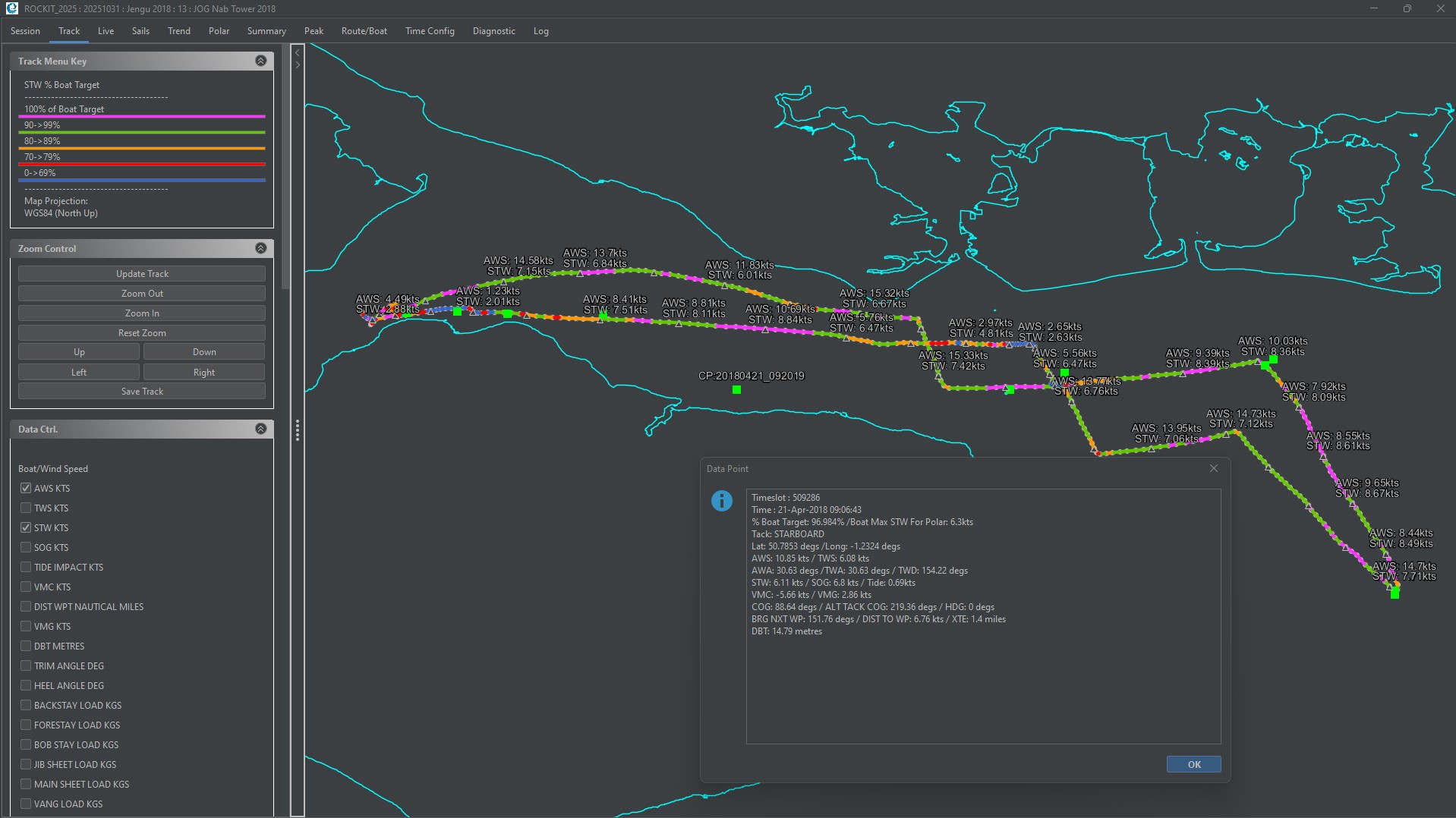
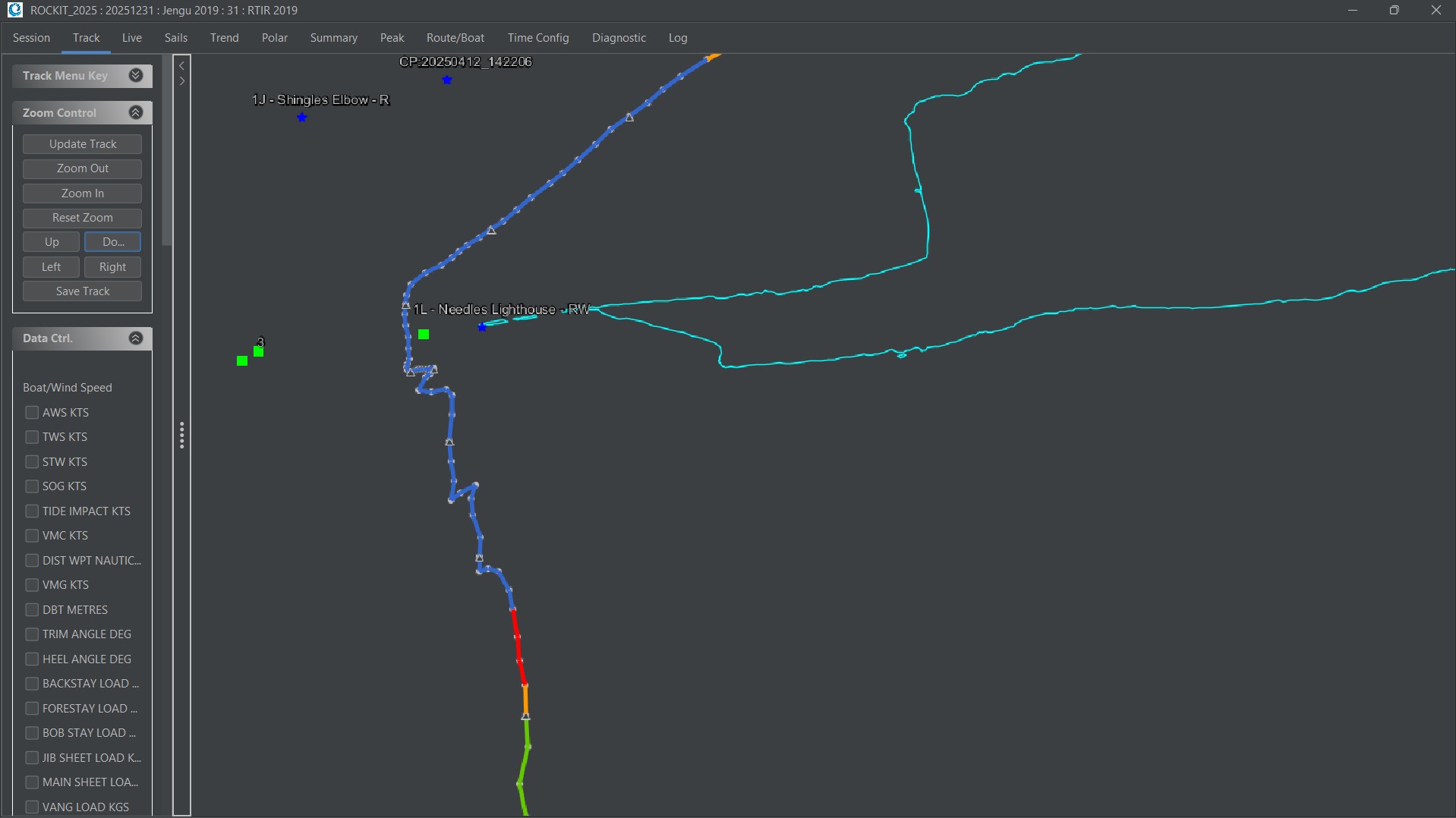
Routes And Waypoints Routes and Waypoints are included in Rockit Analytics to make it easier to understand visually the information displayed on the Track panel and to make it possible to calculate a Velocity Made Good On Course (VMC) figure. A Route can be created in...
by Rockit Admin | Dec 3, 2025 | User Guide, User Guide 2025
Overview Once you have connected the Rockit Analytics software to your boats NMEA network you need to tell Rockit about the boat. Thats a relatively simple process you can record as little or as much about the boats configuration as you like. To get the most out of...